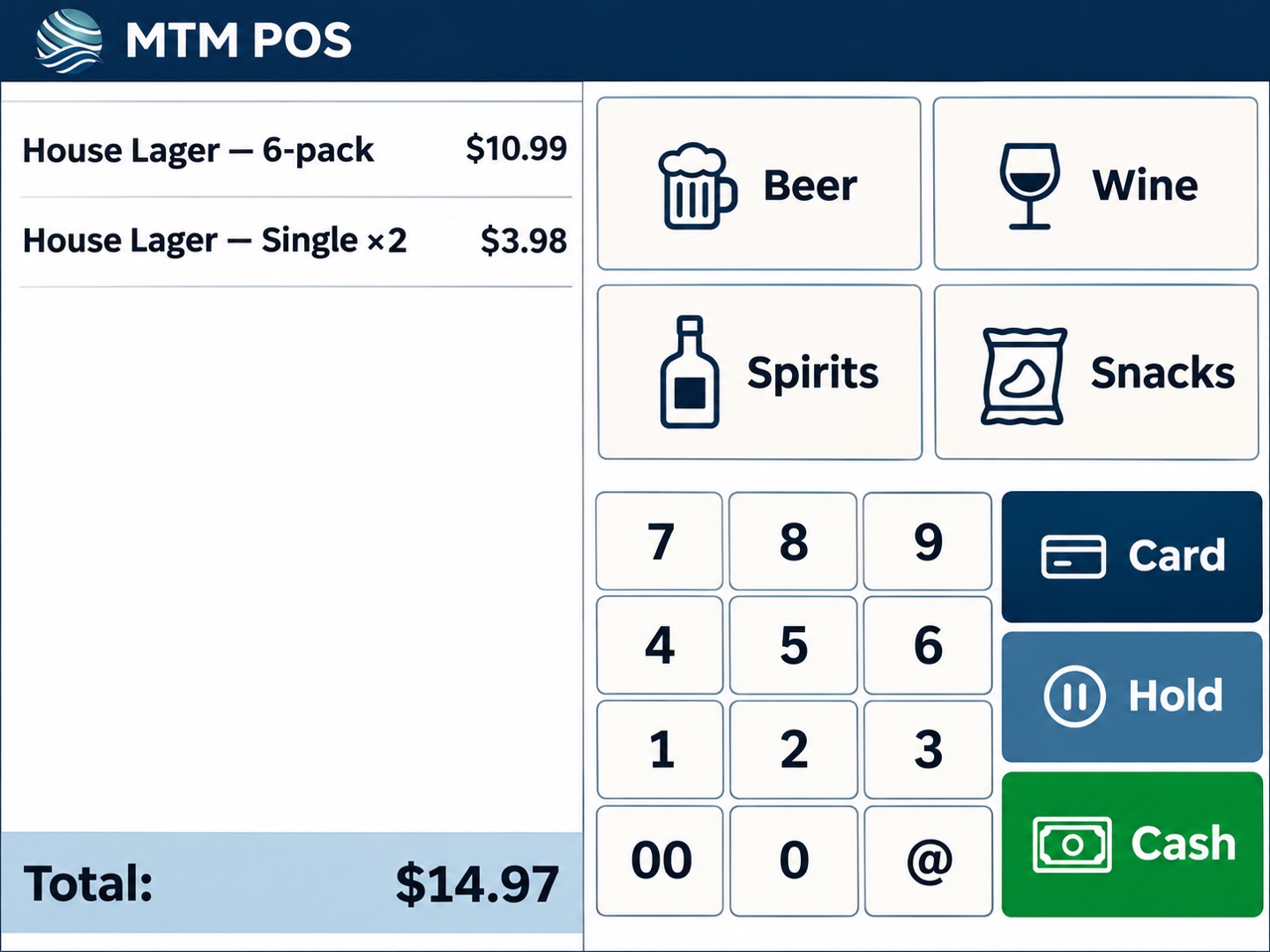
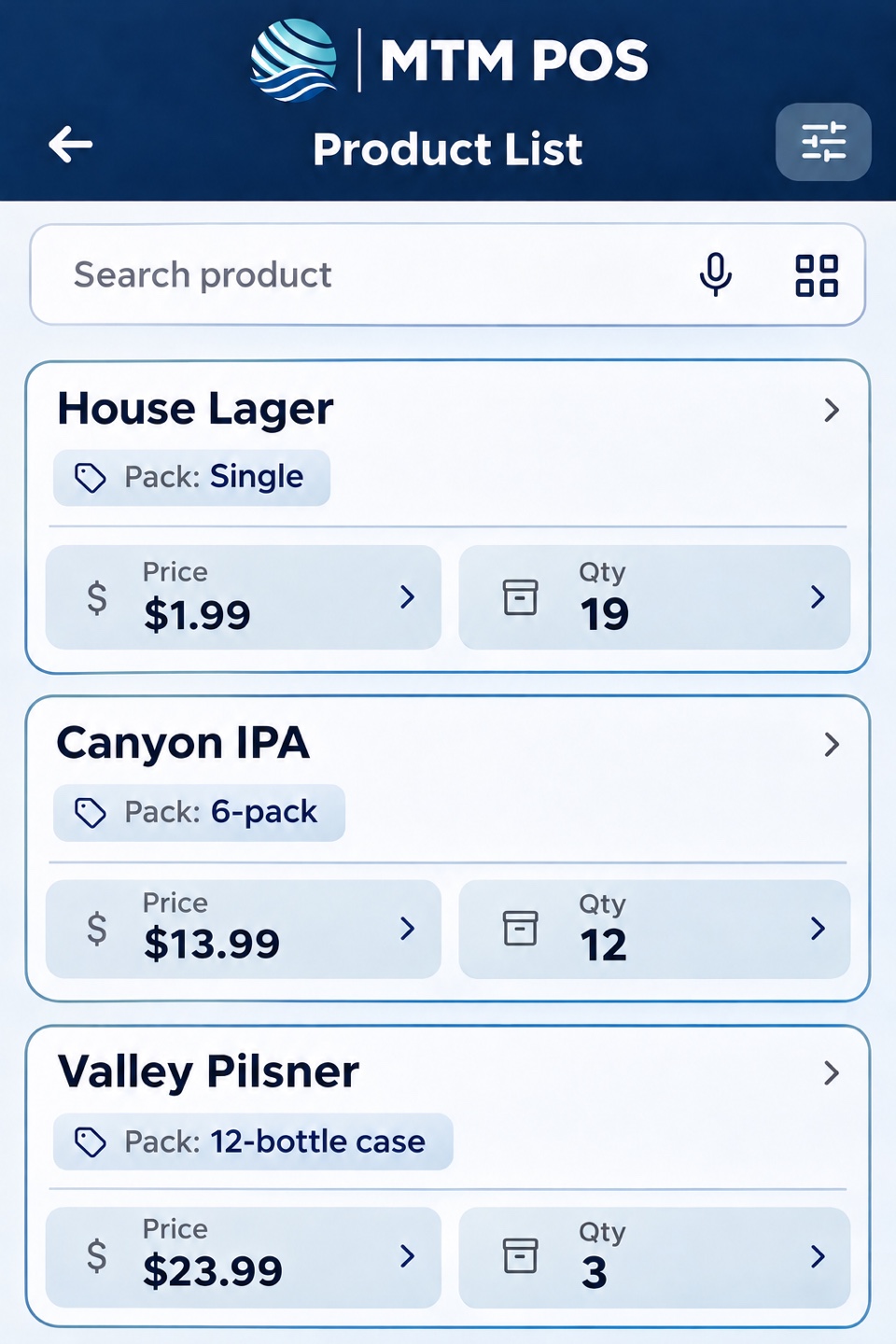
Set a price for each size and link their stock counts. When you break open a case to sell singles, you can track both from the same inventory.
Run mix-and-match deals
Set which bottles count toward a deal. When a customer buys the right combination, the register applies the offer at checkout.
Check IDs during the sale
Scan an ID to help check the customer’s age without leaving the register. Staff still inspect the ID before completing the sale.
Catch low stock before you run out
Stock counts update as you sell. Set alerts for the bottles you want to keep in stock and see what needs to go on your next order.
Order and receive stock
Create a purchase order for your distributor. When the delivery arrives, record what you received and update your inventory.
See what sells and what sits
Review daily sales, see which bottles move fastest, and spot slow sellers before you spend money restocking them.
Build your checkout counter
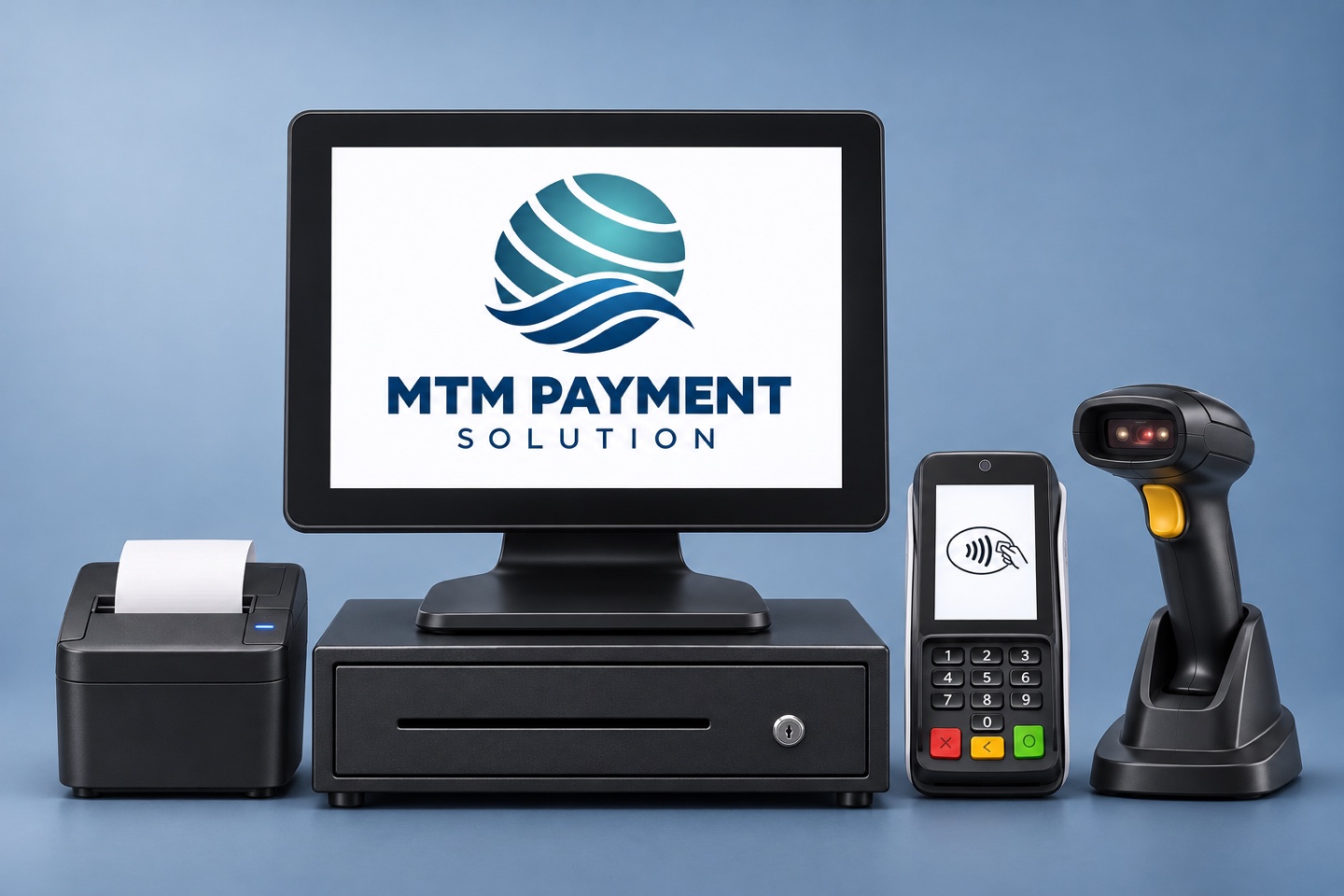
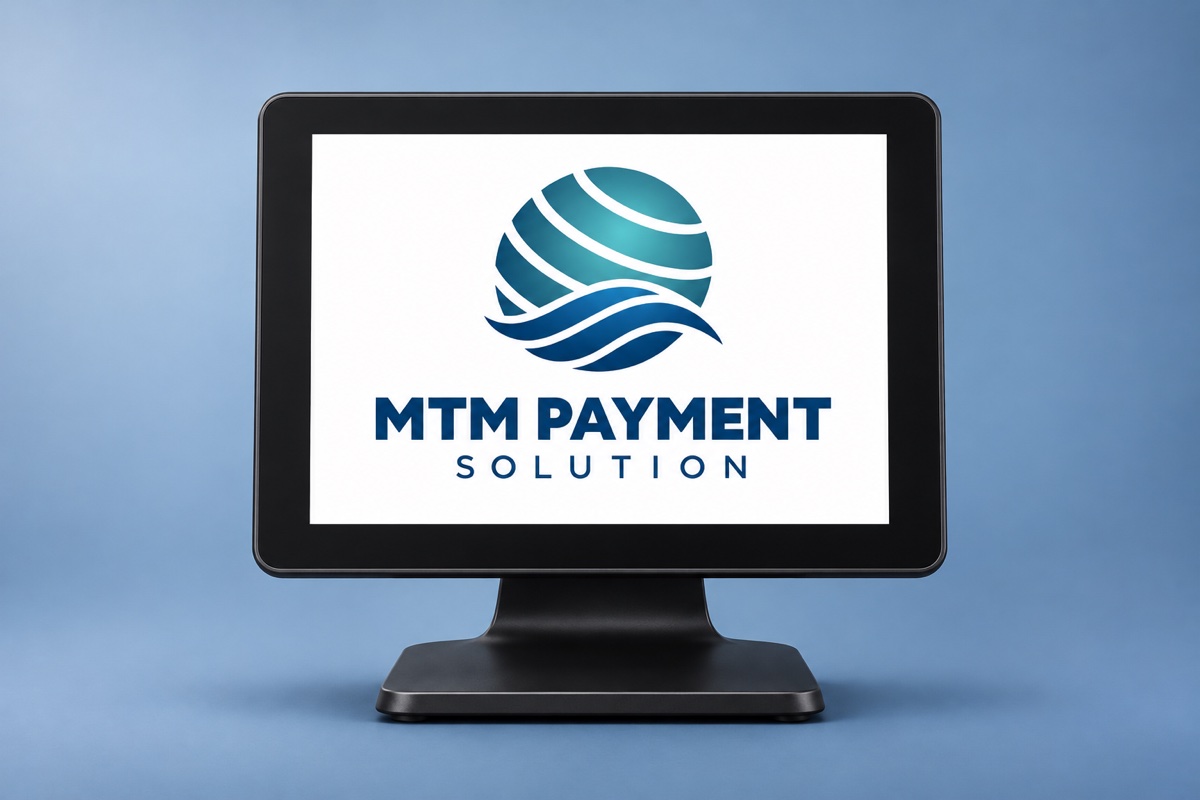
Touchscreen register
Look up an item, review the sale, or apply a deal on a 15-inch screen. It’s the main register your staff works from.
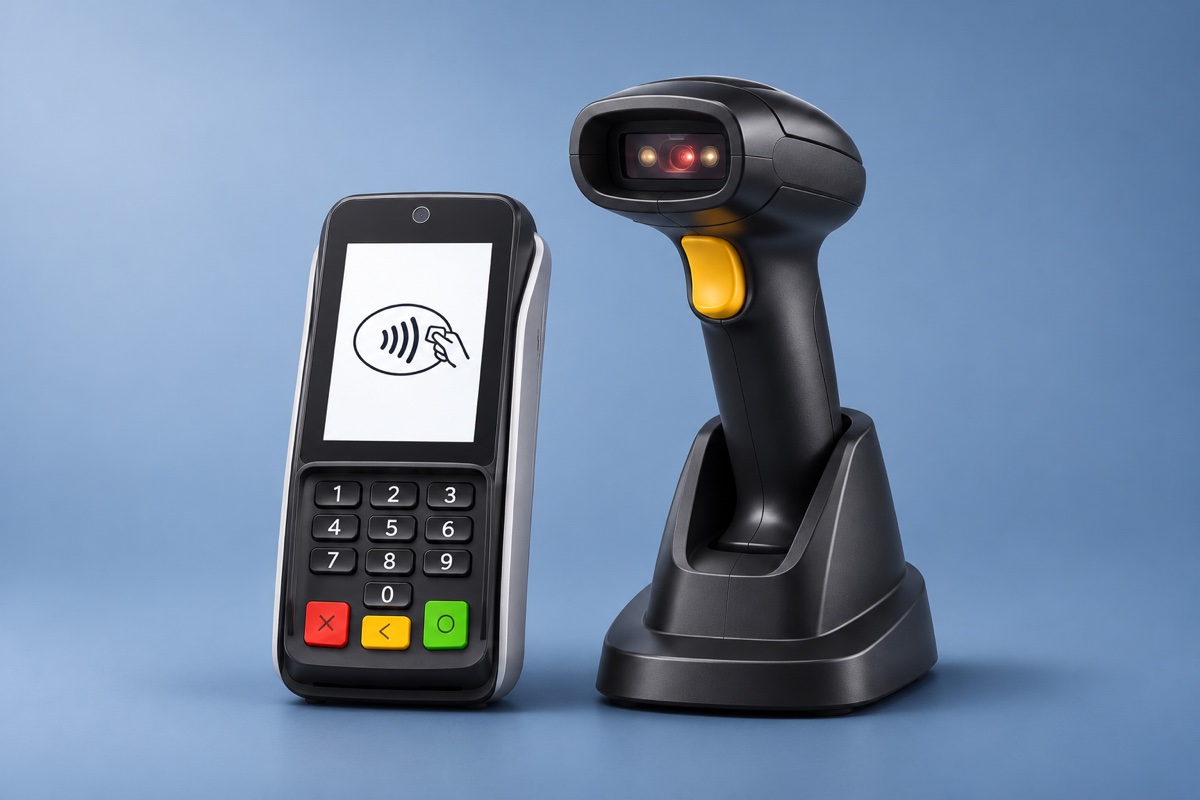
Card reader and handheld scanner
Scan product barcodes while customers pay by chip or tap. Ask about scanner and card reader compatibility if you want to keep equipment you already have.
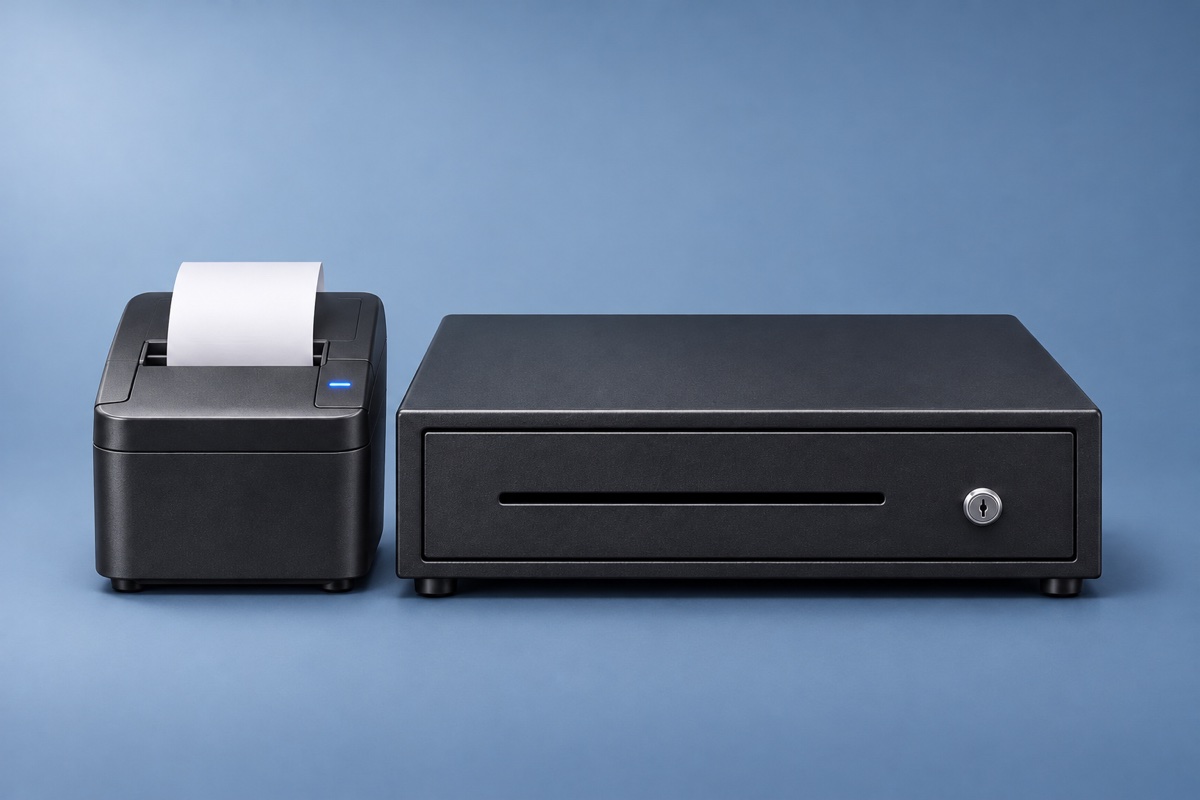
Receipt printer and cash drawer
Print paper receipts and give staff a dedicated drawer for bills and coins. Add either piece based on how you handle sales today.
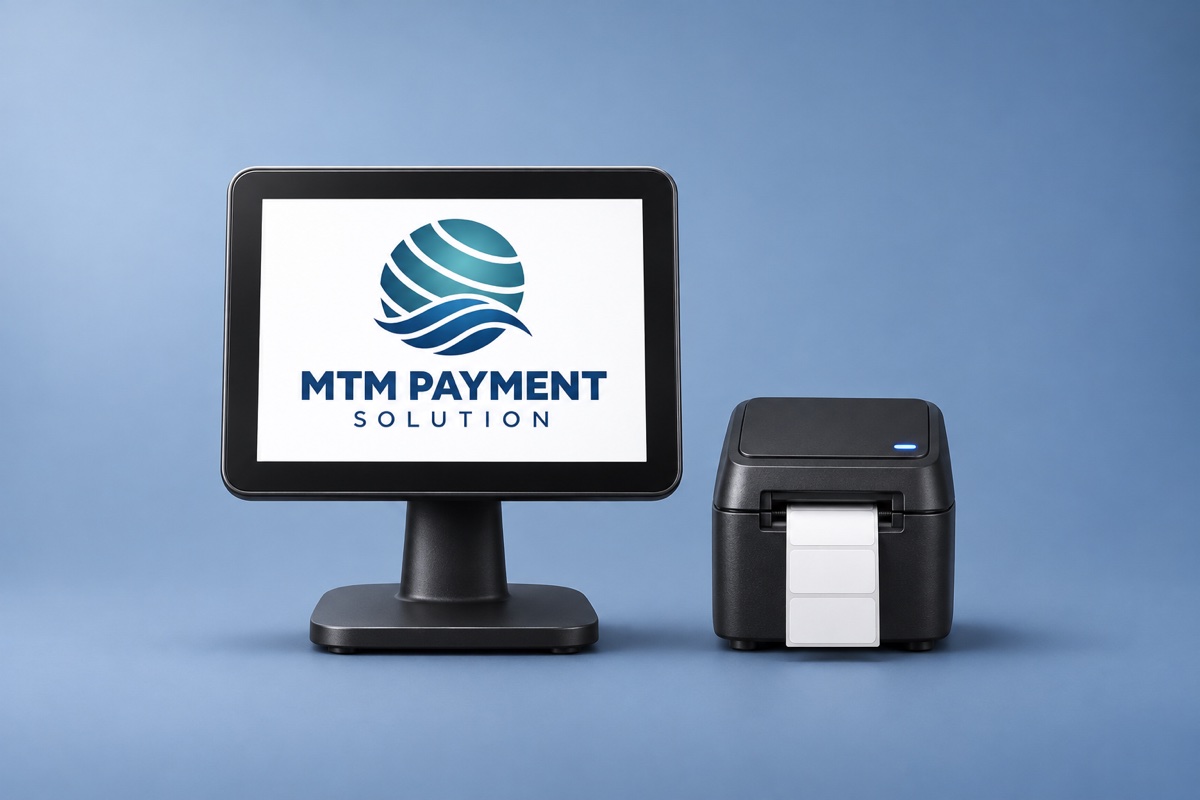
Customer display and label printer
Add a separate screen so customers can see the sale. A label printer gives staff a way to print barcodes for items that need them.